

Tips and tricks
The 5 how-to videos in the Tips and tricks series.
| Video | About | |
|---|---|---|
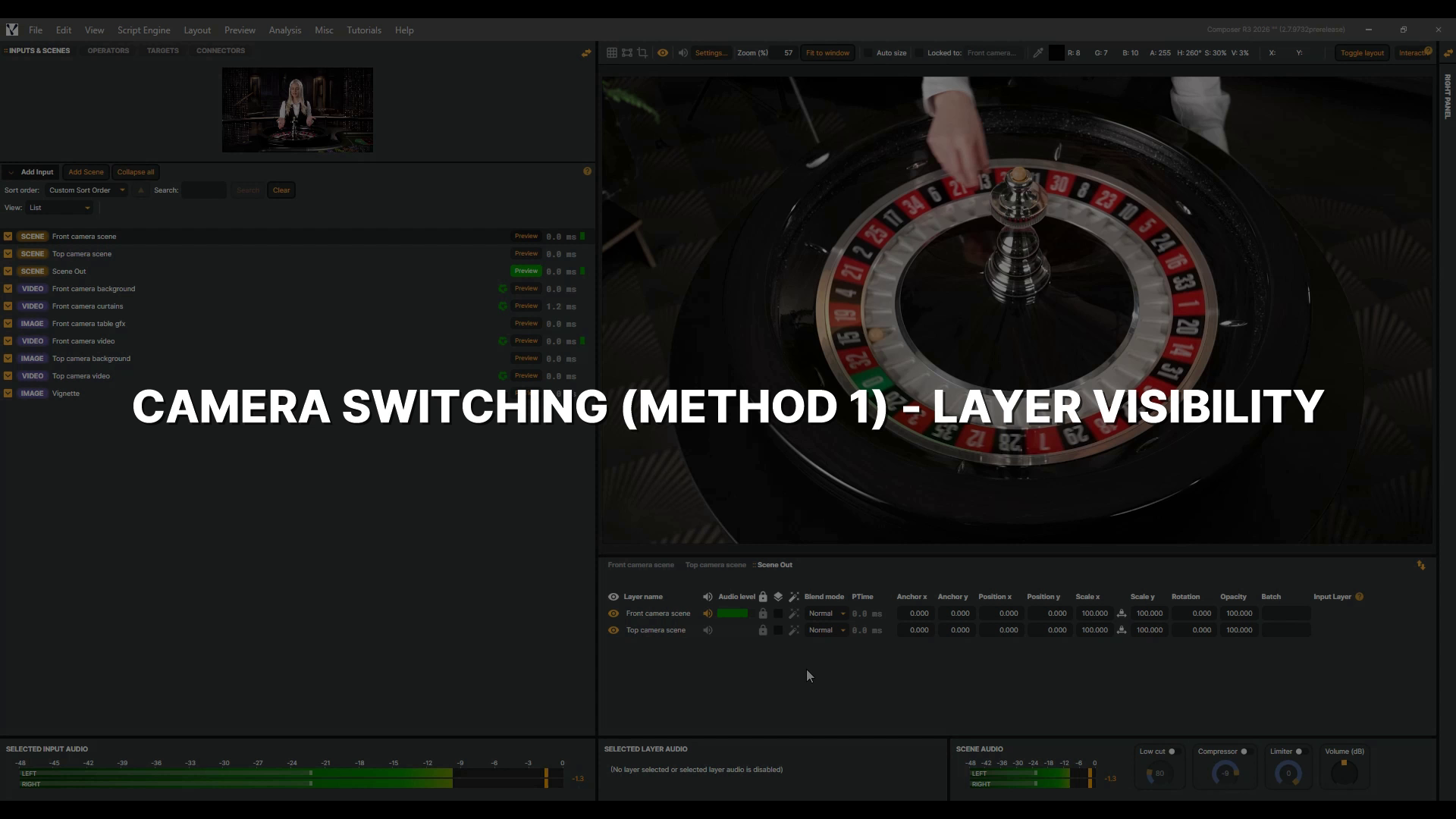 |
Camera Switching (Method 1) - Layer Visibility | Every live production has to cut from one camera to another, and the easiest way in Composer is toggling layer visibility. Here, each camera lives in its own scene with its graphics, and a program scene holds them both. We build one Connector per camera, then trigger the switch from outside Composer. This video is part of a short series on camera switching. If you haven't used Connectors before, be sure to watch the Connectors Introduction video first to learn how to set them up. 4 min 17 sec |
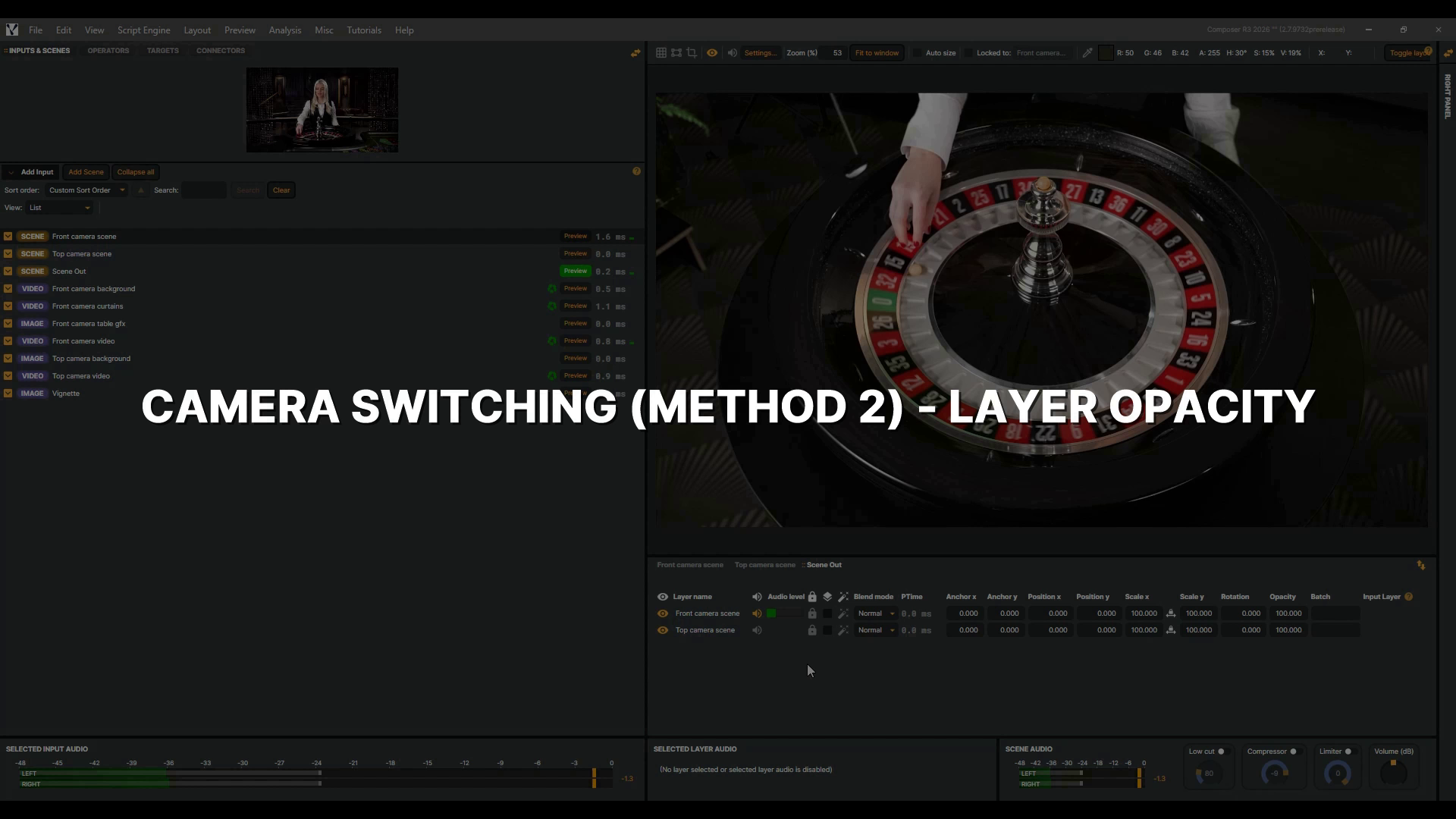 |
Camera Switching (Method 2) - Layer Opacity | Sometimes a hard cut is too abrupt, and one camera should melt into the other. In Composer, that fade is a single property: layer opacity. Here, each camera lives in its own scene with its graphics, and a program scene holds them both. We build one Connector per camera, add an animation time, and trigger the fade from outside Composer. This video is part of a short series on camera switching. If you haven't used Connectors before, watch the Connectors Introduction video first. 5 min 6 sec |
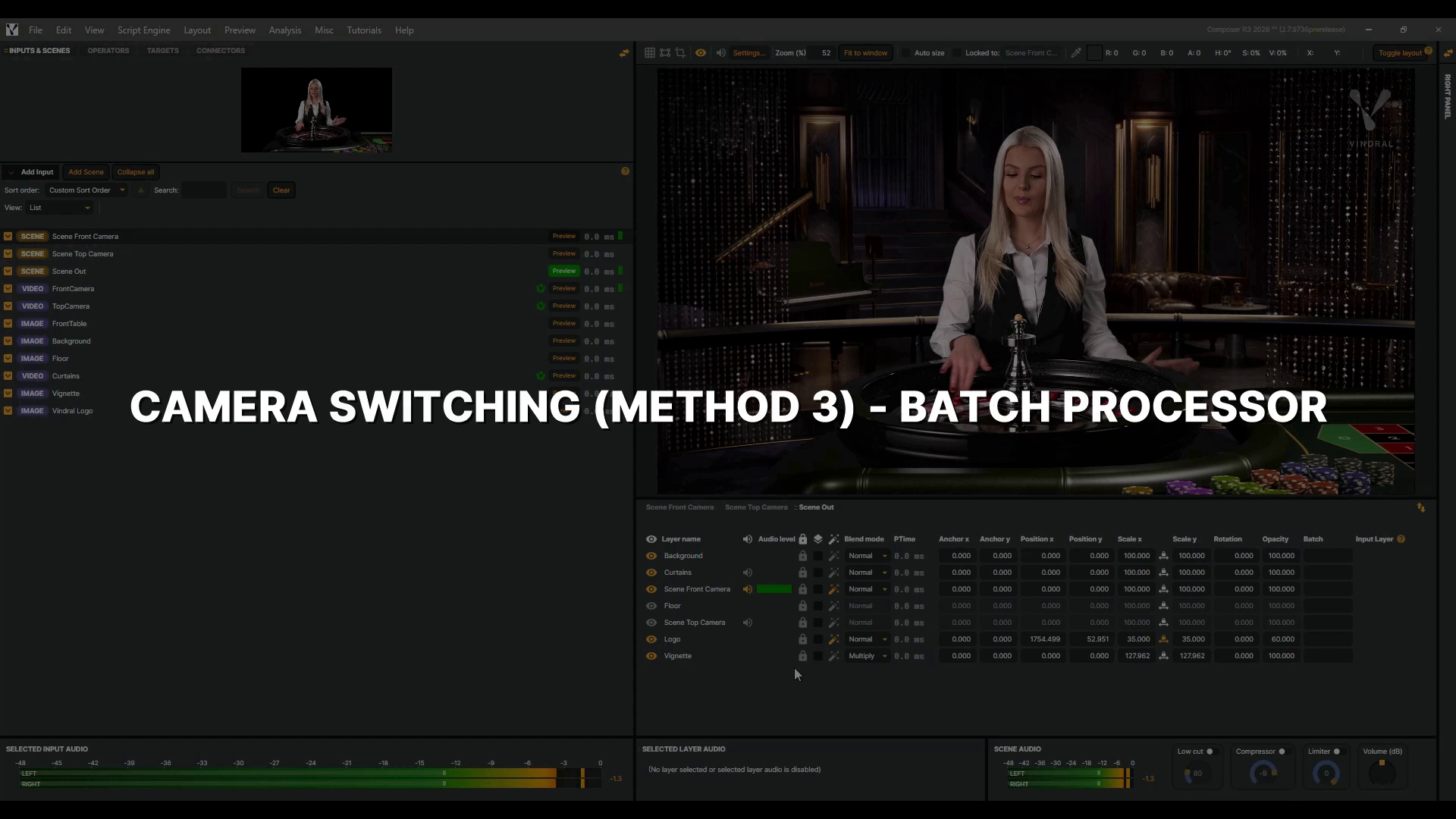 |
Camera Switching (Method 3) - Batch Processor | A camera is rarely just one layer. It usually brings its own background and graphics, and all of them have to change together. In Composer, any layer in any scene can carry a Batch name, and layers sharing one name switch together. We name the groups, switch between them with the Batch Processor, then trigger a switch from outside Composer with one connector. This video is part of a short series on camera switching. New to the Batch Processor? Watch its introduction video first. 6 min 55 sec |
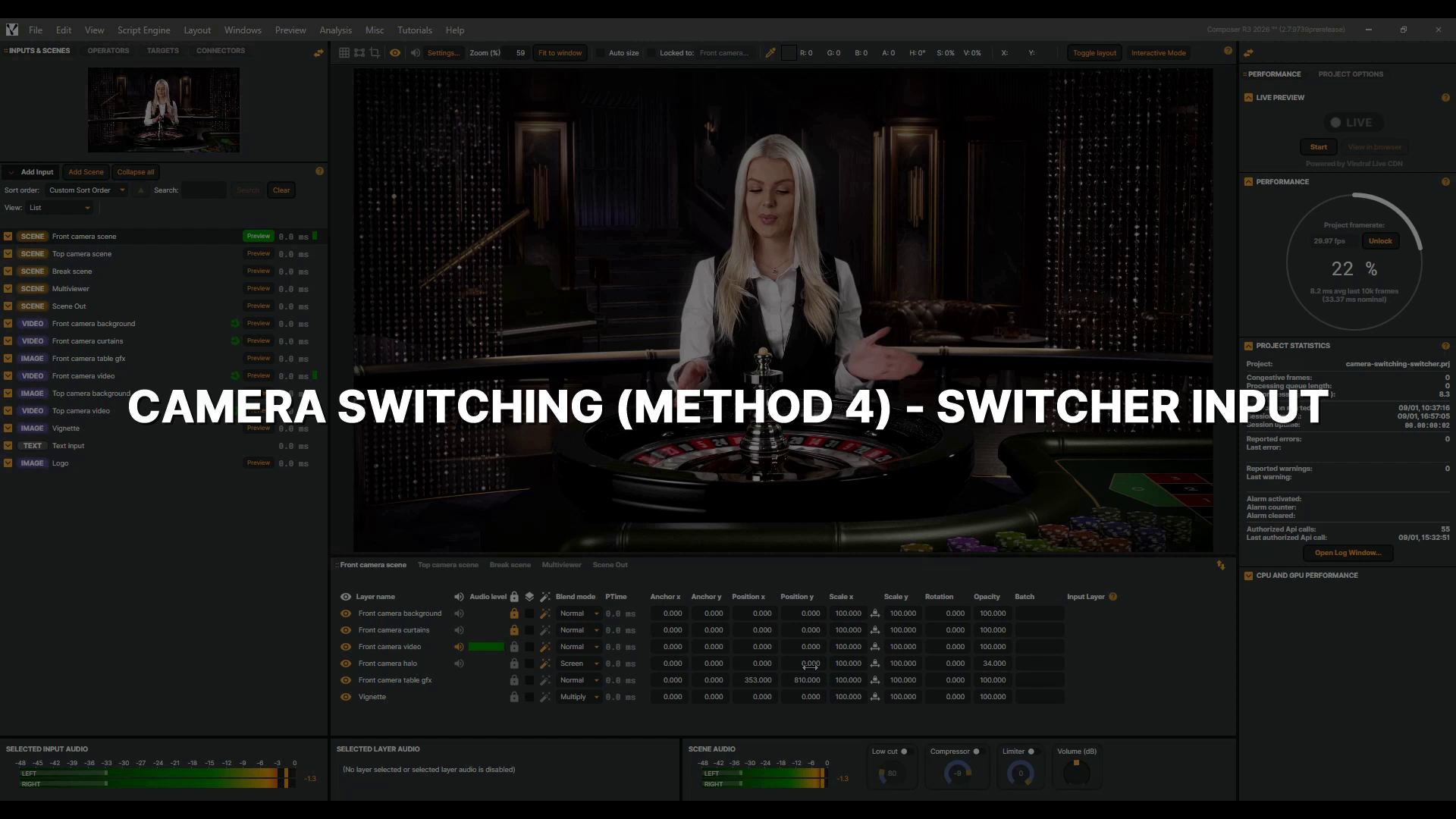 |
Camera Switching (Method 4) - Switcher Input | Switching cameras is such a common job that Composer ships a component built just for it. The Switcher is a virtual input that works like a small video mixer, and in this video we build it the way a real production would. Two cameras and a break slate as sources, a program scene for your viewers, and the Switcher's own multiviewer for the control room. We set it all up from scratch, switch with a single button, and drive it from outside Composer through the Switcher's own API. This video is part of a short series on camera switching. 7 min 11 sec |
 |
Exporting projects | In this tutorial, you'll learn how to export your Composer project and all its assets — images and videos — into a single folder, making it easy to back up or move to another server. 50 sec |