

Operators
The 11 how-to videos in the Operators series.
| Video | About | |
|---|---|---|
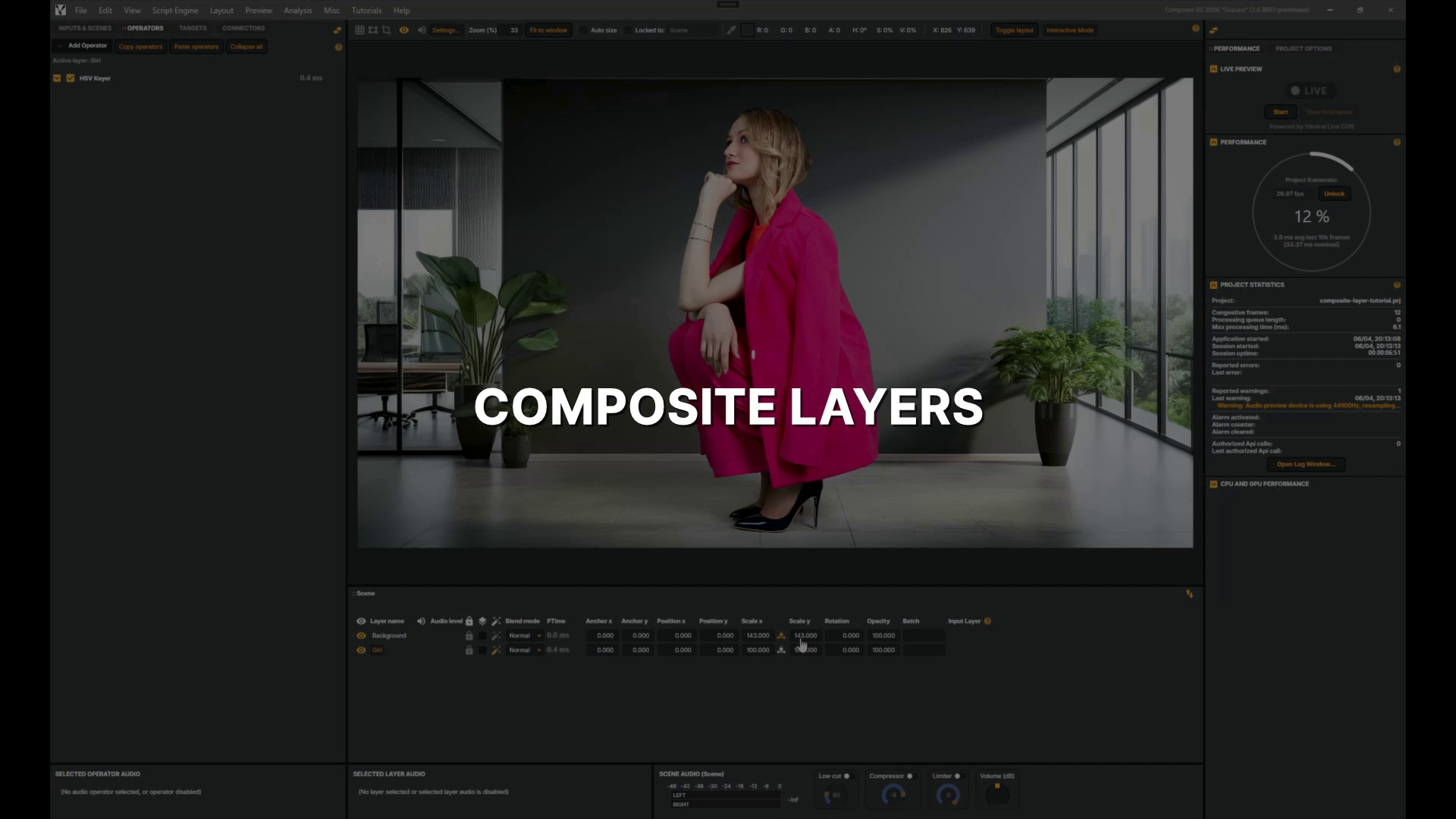 |
Composite Layers | In this quick tutorial you'll apply a Vignette effect across a whole scene using a Composite layer, seeing how it differs from adding an operator to a single layer. 1 min 23 sec |
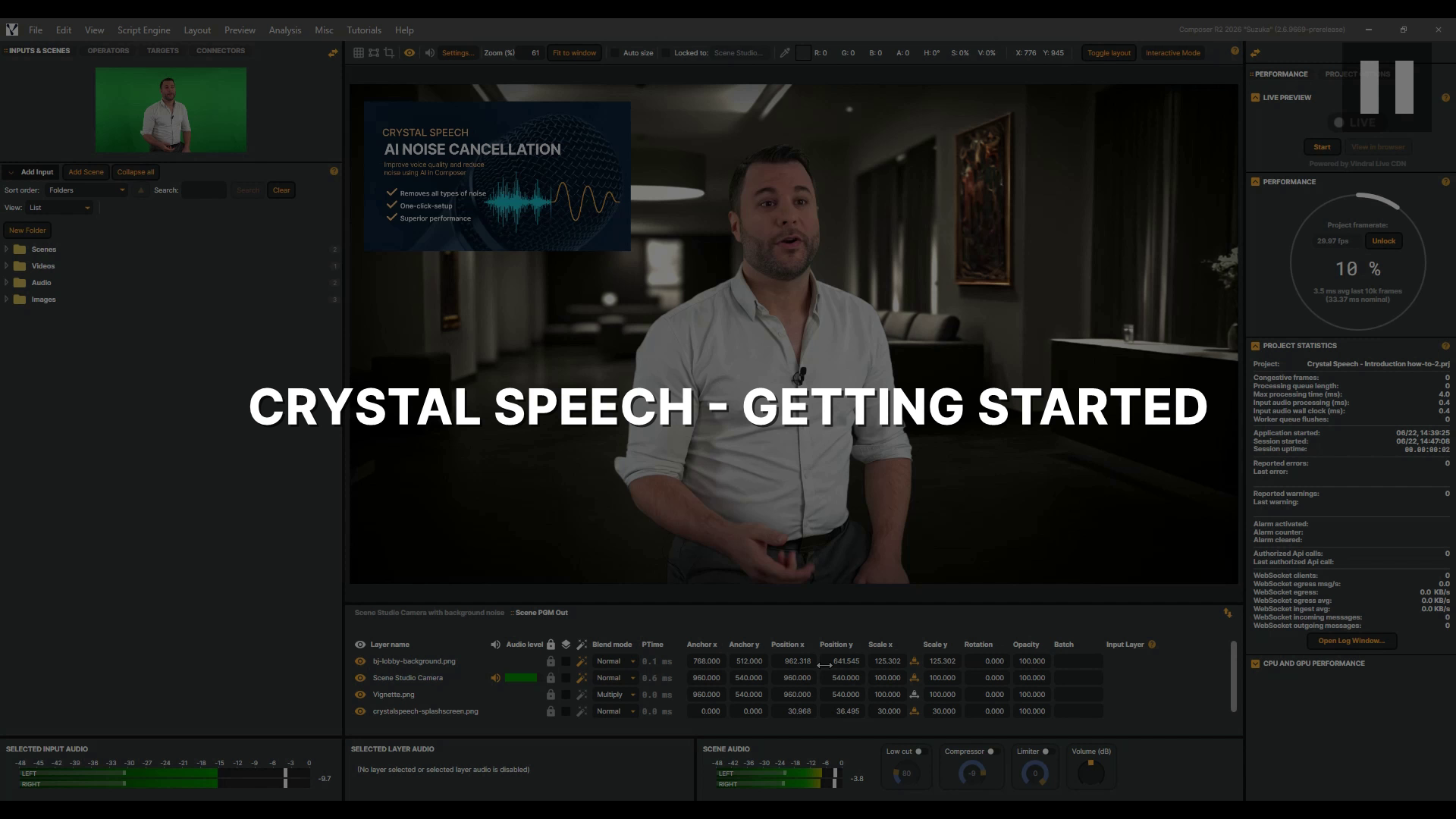 |
Crystal Speech - Getting Started | In this tutorial, you'll learn how to use Crystal Speech, Composer's AI noise remover, to strip background noise from a live audio stream and let the voice shine through, whether you're capturing a reporter on a busy street or a presenter in a noisy studio. You'll learn how to control how much background noise is removed with the Level slider, flip the effect on and off with Bypass to hear the difference for yourself, and bring in a Video Delay to keep picture and sound perfectly in sync. Let's dive in. 2 min 58 sec |
 |
De-Esser | In this tutorial you'll meet the De-Esser, Composer's tool for taming sibilance — the sharp S sounds, and the other hard, hissy consonants that turn a voice harsh. A bright microphone can easily tip those moments over the edge. We'll take a real talk, use the Listen switch to hear exactly what we're targeting, then set how hard the de-esser works while the gain-reduction meter keeps us honest. By the end, a sharp voice will sound comfortable — without losing any of its clarity. Let's dive in. 3 min 56 sec |
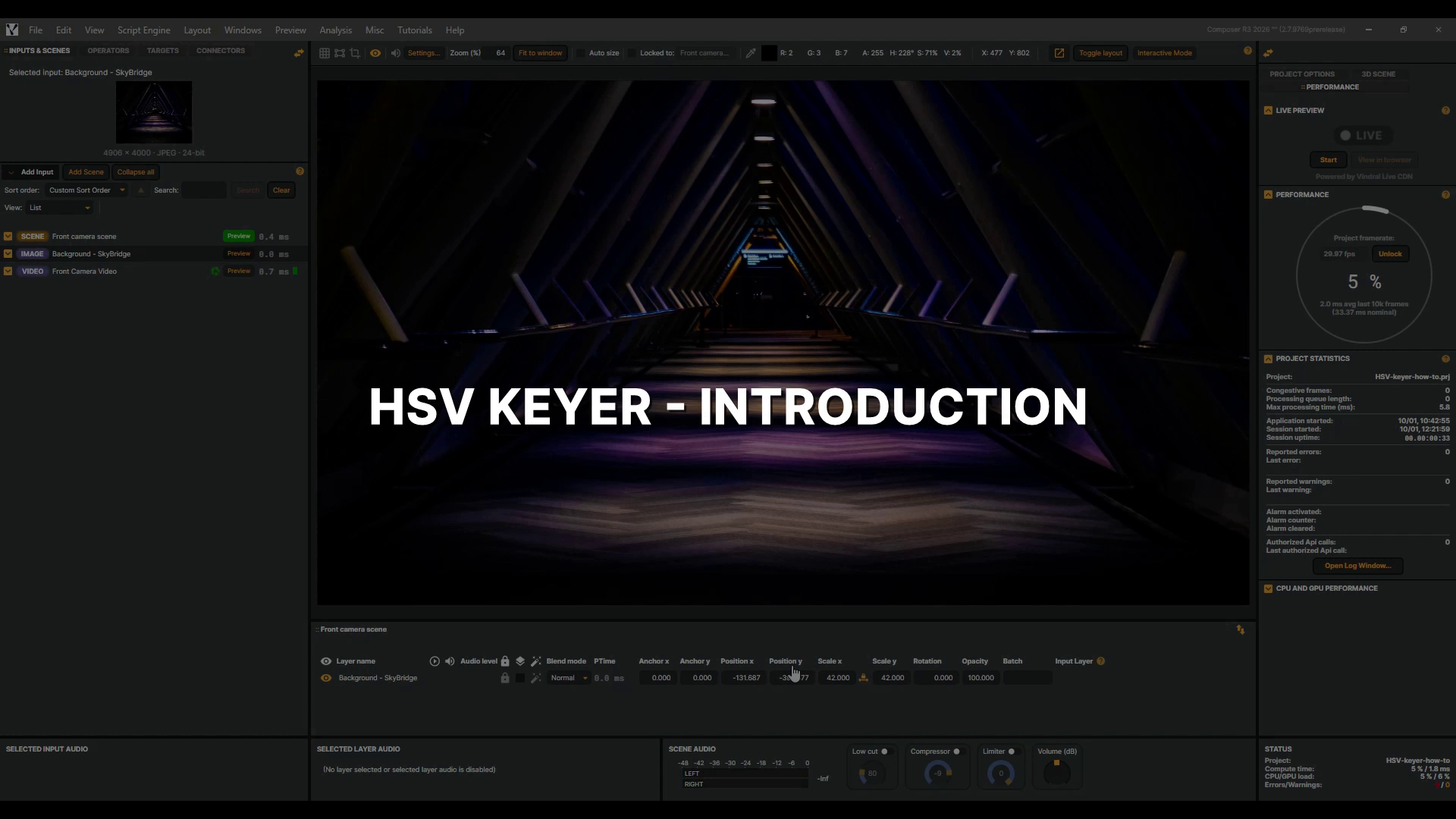 |
HSV Keyer - Introduction | The HSV Keyer turns any colour you choose transparent, so whatever is behind the layer shows through. That is how a presenter in front of a coloured screen can be placed anywhere. In this video we use a green screen, and key a roulette dealer into a new background. We pick the key colour, check the result, and clean the green off her hair. Then a garbage matte fixes what colour alone cannot, a light stand at the edge of the frame and a glossy wheel that reflects the green screen. 5 min 41 sec |
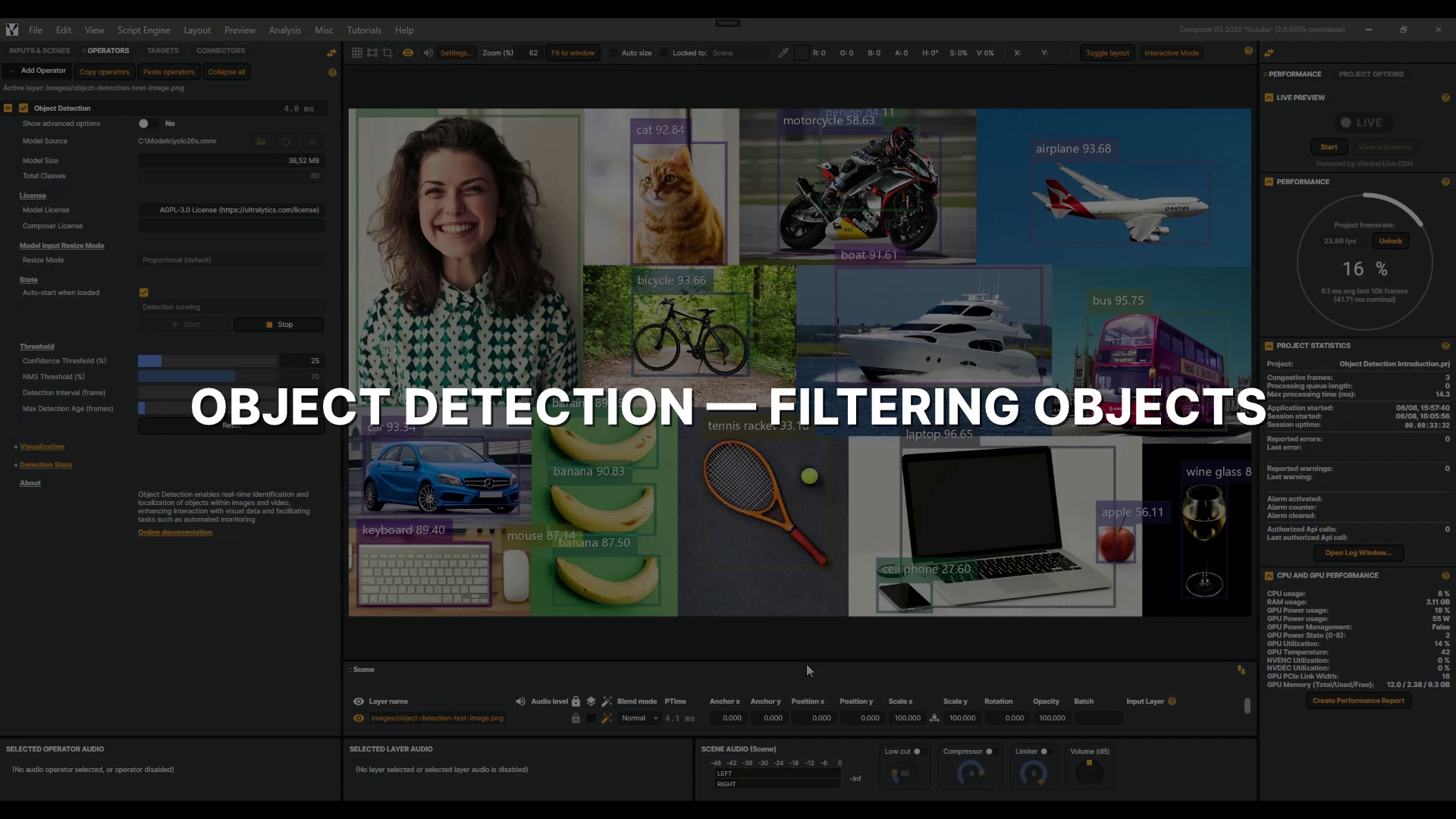 |
Object Detection - Filtering Objects | In this video, you'll learn how to use the Object Detection operator's class filtering controls to narrow a busy multi-class feed down to only the objects that matter to your production — filtering by ID, by name, and even by wildcard. This is a follow-up to the Object Detection introduction, so make sure you've watched that first. Let's dive into it! 2 min 27 sec |
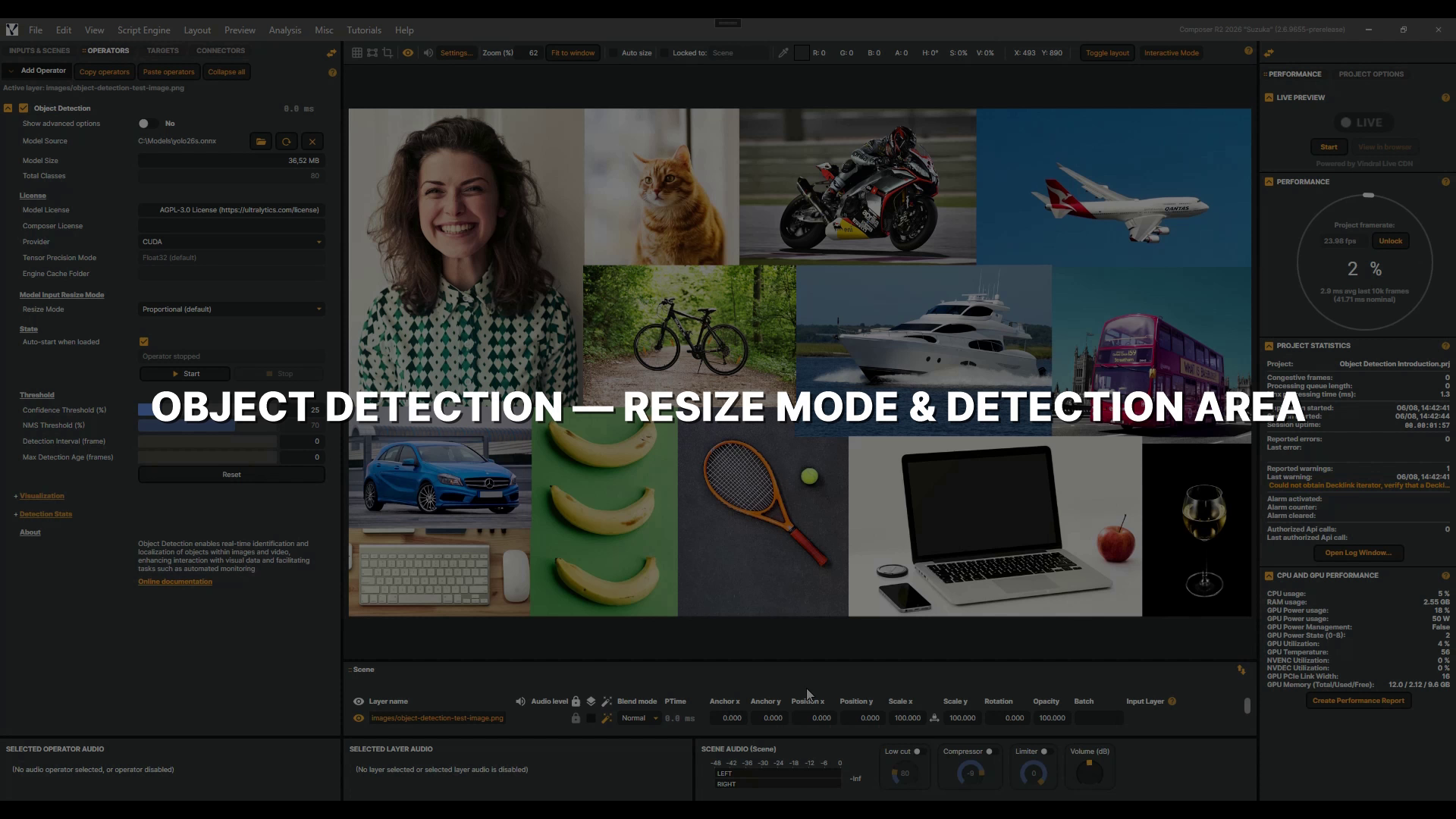 |
Object Detection - Resize Mode & Detection Area | In this video, you'll learn how the Object Detection operator's Resize Mode and Detection Area settings control what your model actually sees — and how to use them to focus detection exactly where it matters. This is a follow-up to the Object Detection introduction, so make sure you've watched that first and have an Object Detection operator added with a YOLO model selected. 2 min 54 sec |
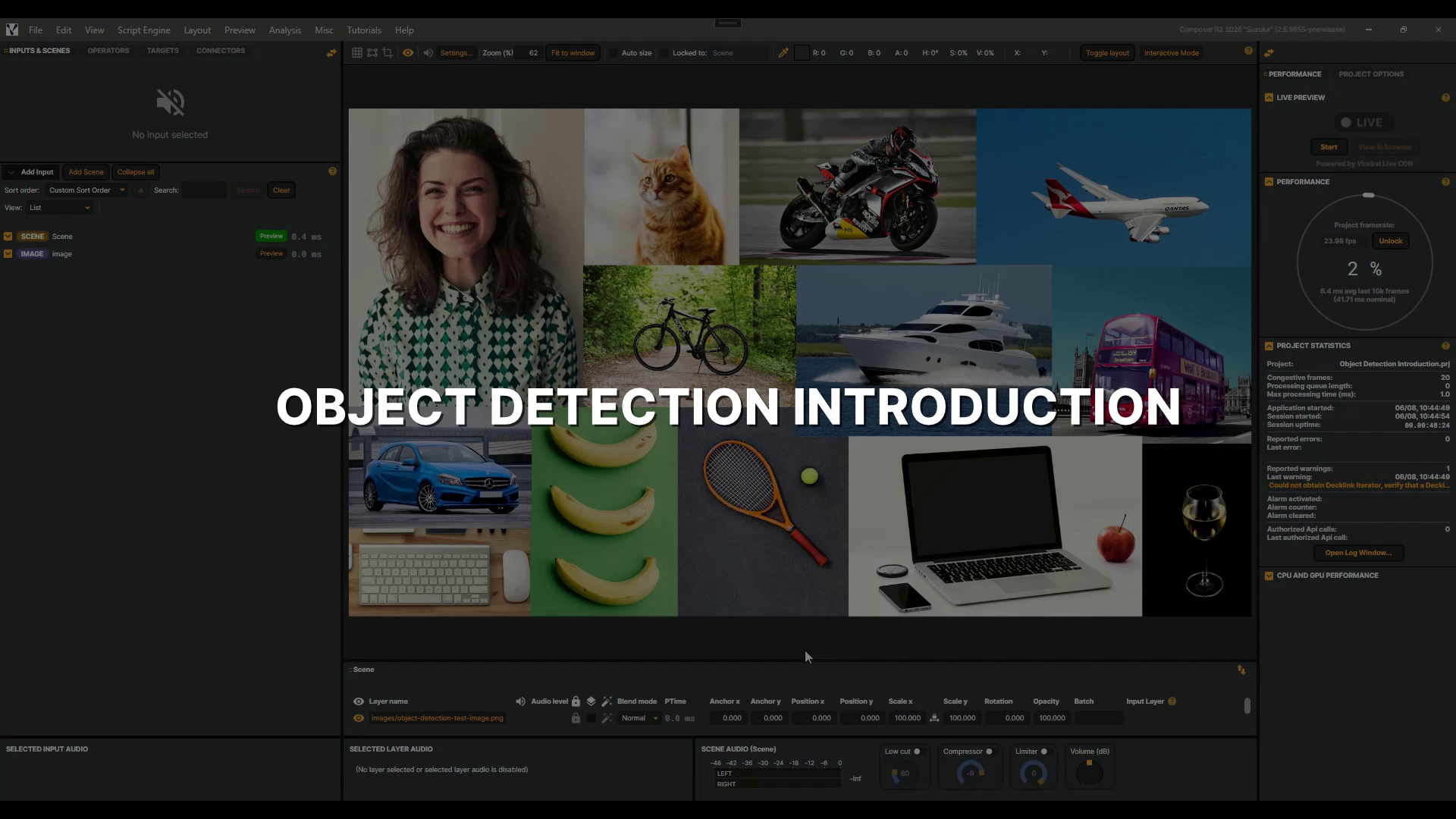 |
Object Detection operator | In this introduction, you'll add an Object Detection operator, load a YOLO model, and explore its visualization and confidence controls. Note that it requires the NVIDIA CUDA Toolkit and cuDNN — see the documentation to set it up. Let's get started! 4 min 37 sec |
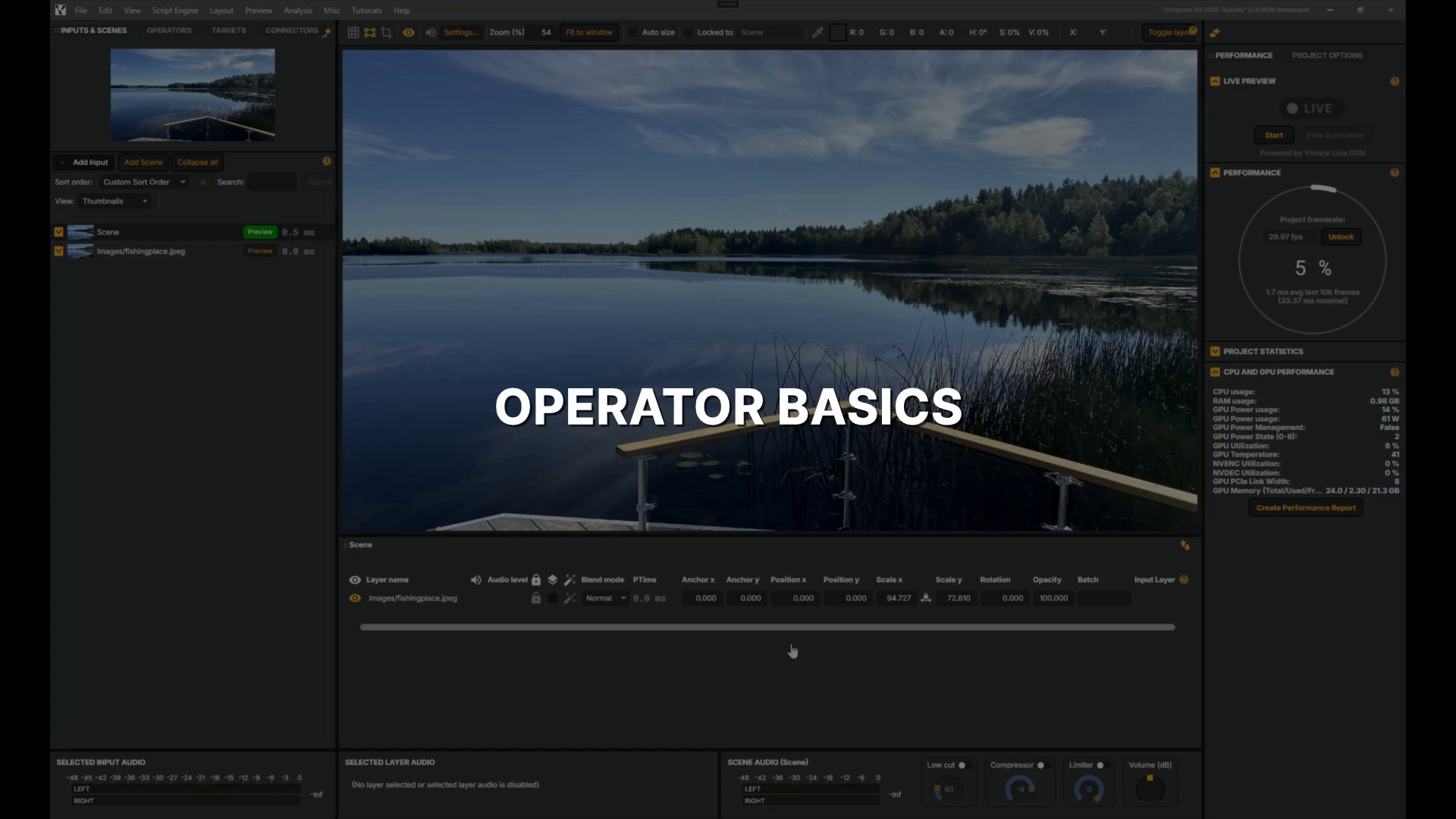 |
Operator basics | In this tutorial, you'll learn how operators work in Composer — adding a Gaussian Blur and a Color Adjust operator to a layer, adjusting their settings, working with presets, and toggling them on and off. 3 min 52 sec |
 |
QR Code Operator | In this tutorial, you'll learn how to add the QR Code operator to your broadcast layer, set its payload, size and position it on screen, and reveal or hide it on cue — turning any live show into an instant gateway to links, offers, or updates. 2 min 35 sec |
 |
Speech To Text (Nemotron) | The Nemotron speech-to-text operator writes live captions while the speaker is still talking. It runs NVIDIA's speech model on your own GPU, so no audio ever leaves the machine. In this video we add it to an interview, load the model, and watch the captions roll up as the interview plays. Then we tune how quickly they follow the speech and where sentences end, and change how they move on screen. Let's get started. 6 min 56 sec |
 |
Stereo Imager | In this tutorial you'll meet the Stereo Imager, Composer's tool for setting how wide your mix feels — from collapsed to a point in the centre out to wider than the speakers. It reshapes the difference between your left and right channels, so it needs genuinely stereo material: a mono source, or a single centred voice, has no width for it to change. We'll open up a proper stereo mix and use the Correlation meter to keep it sounding right for everyone listening in mono. Let's dive in. 4 min 17 sec |