

Log window
Composer Desktop renders a live log window for inspecting the runtime's activity log while the application is running:
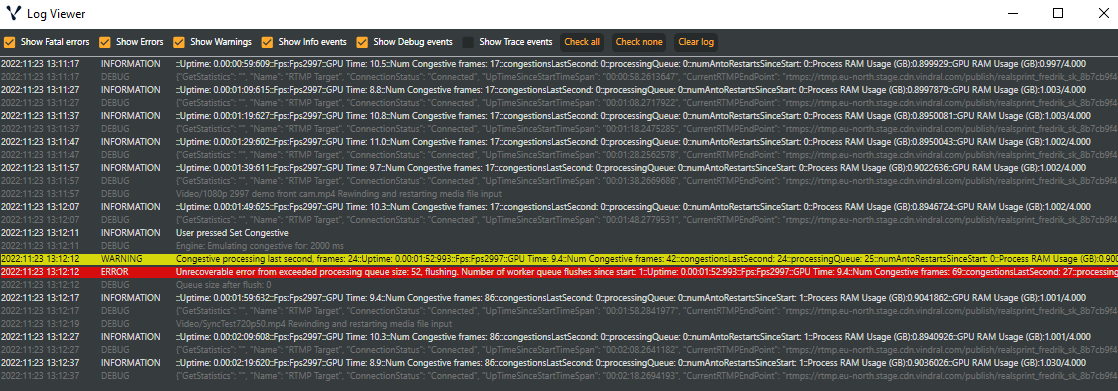
Open it in two ways:
- Performance panel → OPEN LOG WINDOW button — quickest from a running show.
- Analysis → Open log window… menu item.
The toolbar at the top of the Performance panel hosts the same button alongside other diagnostic tools:
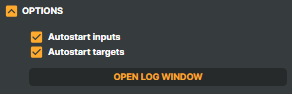
The window shows recent log entries with date, time, severity level, and message. Filter checkboxes at the top toggle each severity on or off so you can mute the chatter and surface the warnings. Right-click an entry to copy it to the clipboard for pasting into a support ticket.
The Log window only displays the most recent entries. Complete logs live on disk under the application's Logs/ folder — see Log files below. Press ESC to dismiss the window.