

Operators
The 7 how-to videos in the Operators series.
| Video | About | |
|---|---|---|
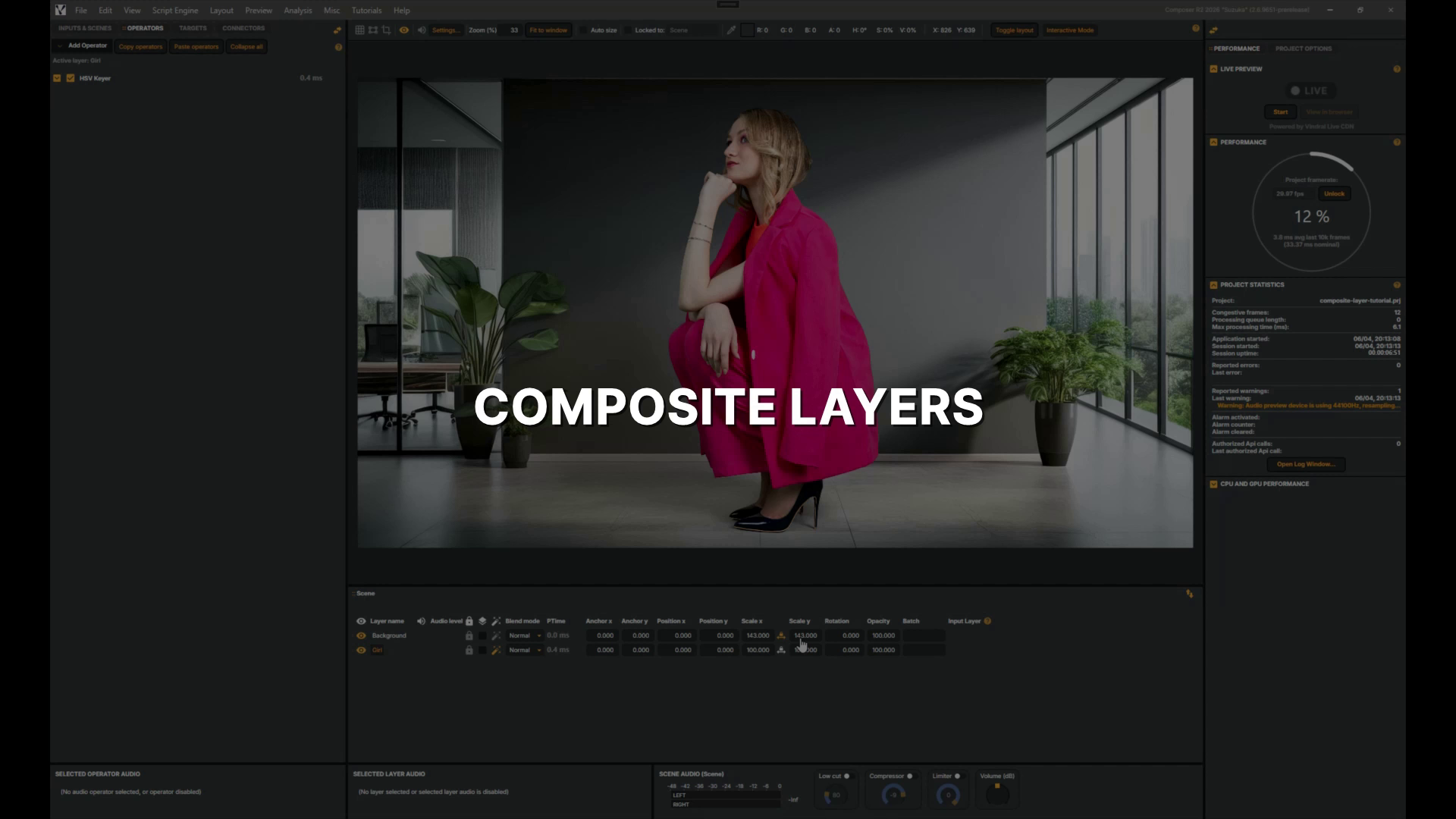 |
Composite Layers | In this quick tutorial you'll apply a Vignette effect across a whole scene using a Composite layer, seeing how it differs from adding an operator to a single layer. 1 min 23 sec |
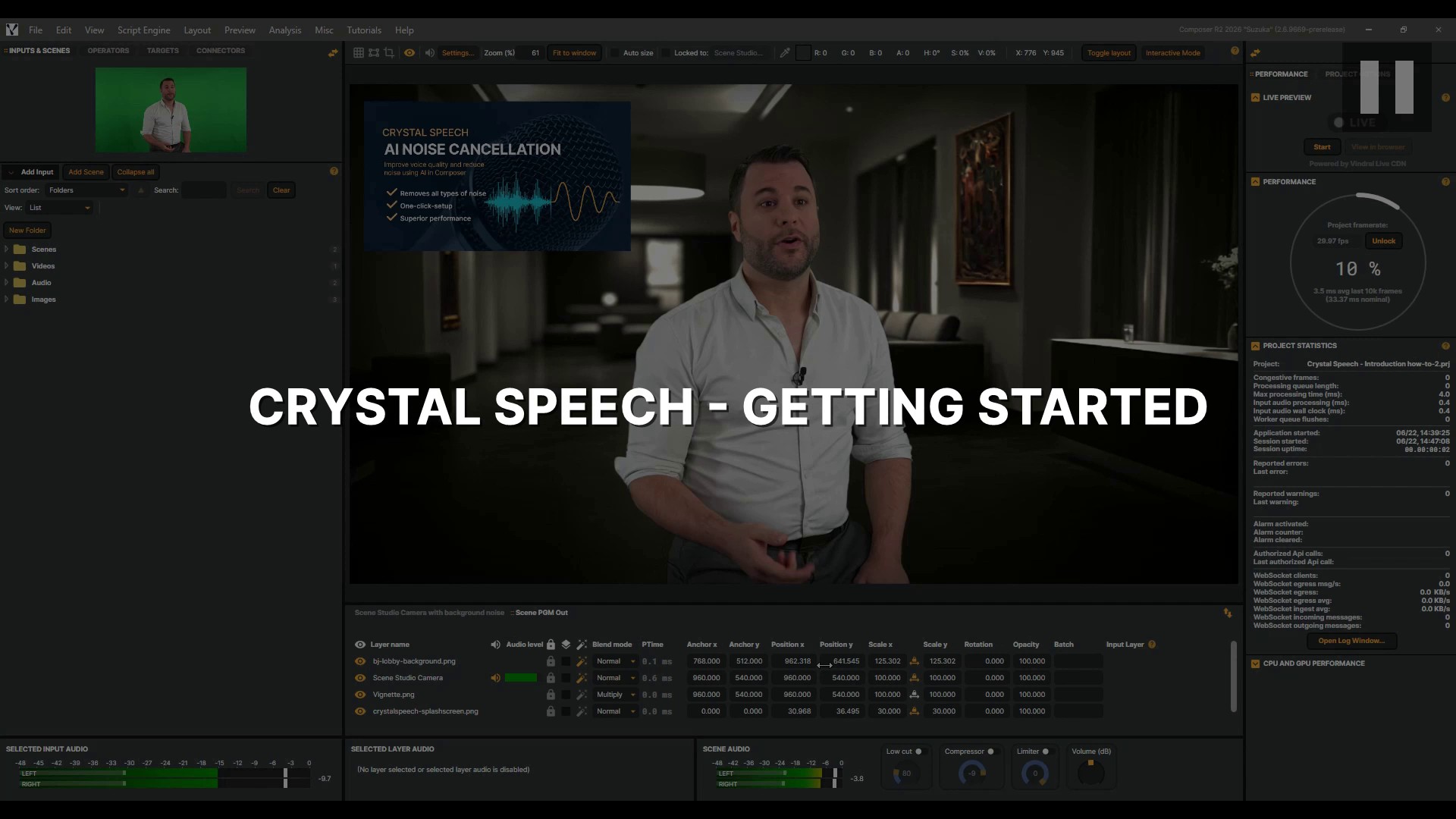 |
Crystal Speech - Getting Started | In this tutorial, you'll learn how to use Crystal Speech, Composer's AI noise remover, to strip background noise from a live audio stream and let the voice shine through, whether you're capturing a reporter on a busy street or a presenter in a noisy studio. You'll learn how to control how much background noise is removed with the Level slider, flip the effect on and off with Bypass to hear the difference for yourself, and bring in a Video Delay to keep picture and sound perfectly in sync. Let's dive in. 2 min 58 sec |
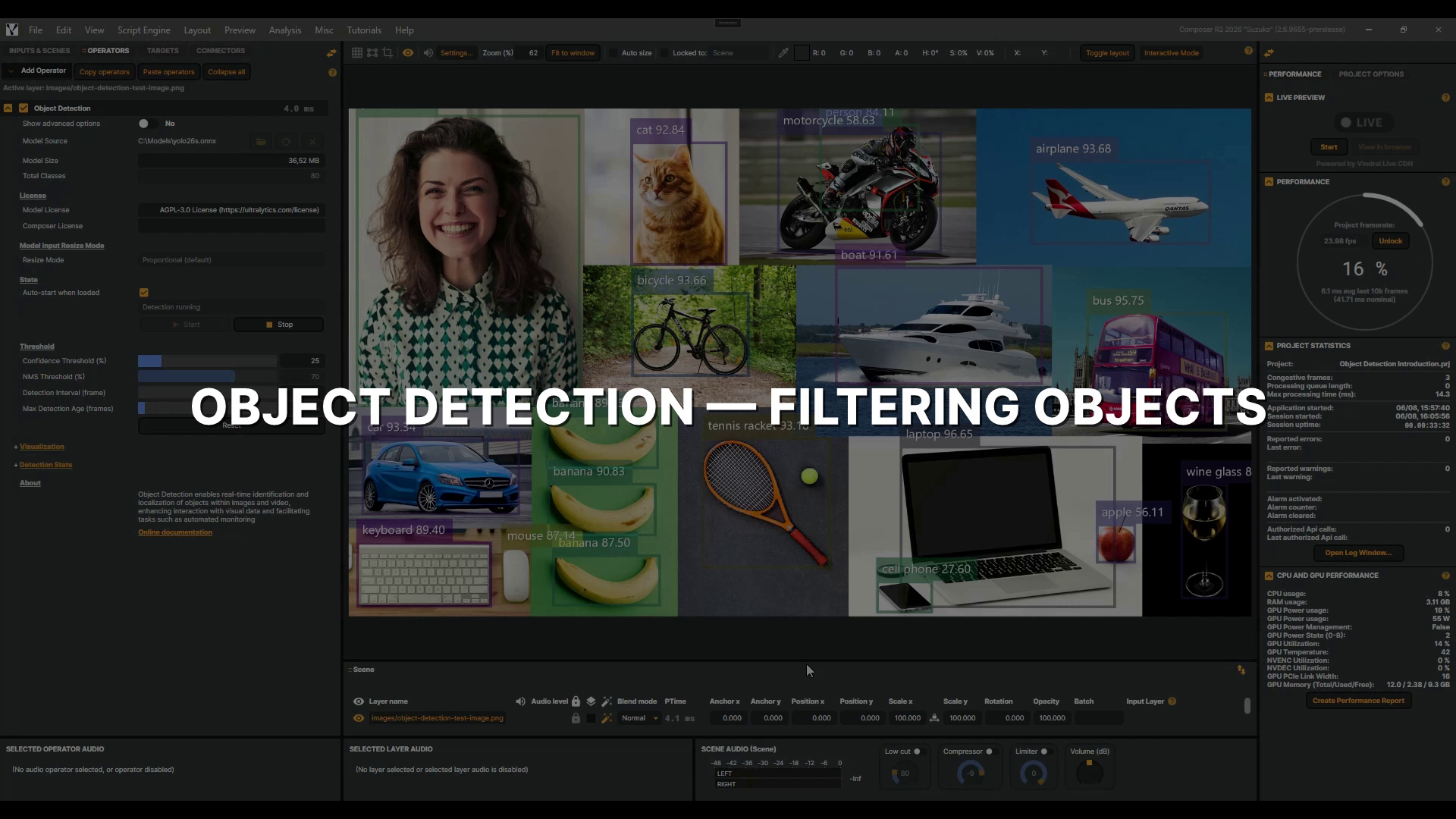 |
Object Detection - Filtering Objects | In this video, you'll learn how to use the Object Detection operator's class filtering controls to narrow a busy multi-class feed down to only the objects that matter to your production — filtering by ID, by name, and even by wildcard. This is a follow-up to the Object Detection introduction, so make sure you've watched that first. Let's dive into it! 2 min 27 sec |
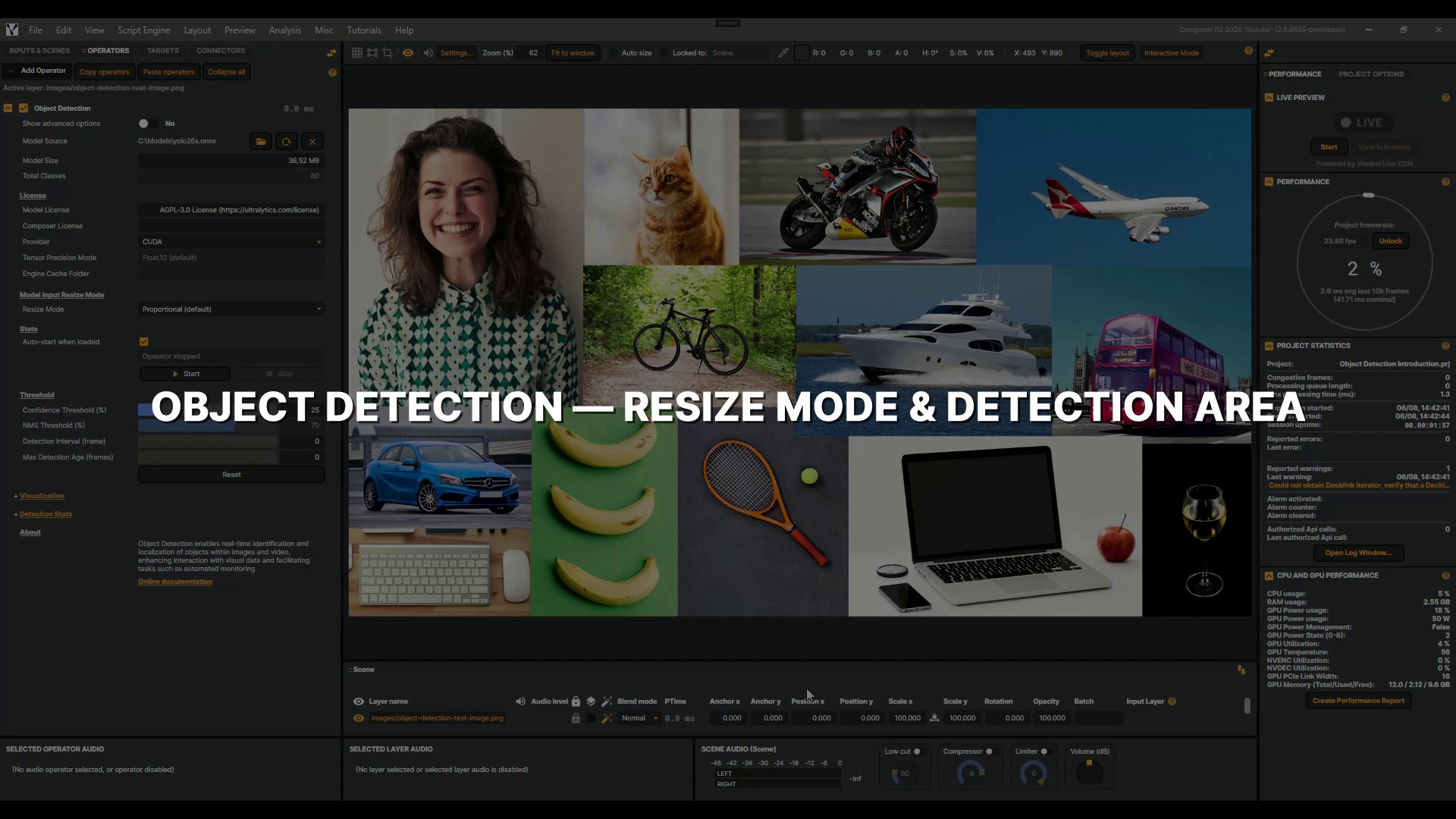 |
Object Detection - Resize Mode & Detection Area | In this video, you'll learn how the Object Detection operator's Resize Mode and Detection Area settings control what your model actually sees — and how to use them to focus detection exactly where it matters. This is a follow-up to the Object Detection introduction, so make sure you've watched that first and have an Object Detection operator added with a YOLO model selected. 2 min 54 sec |
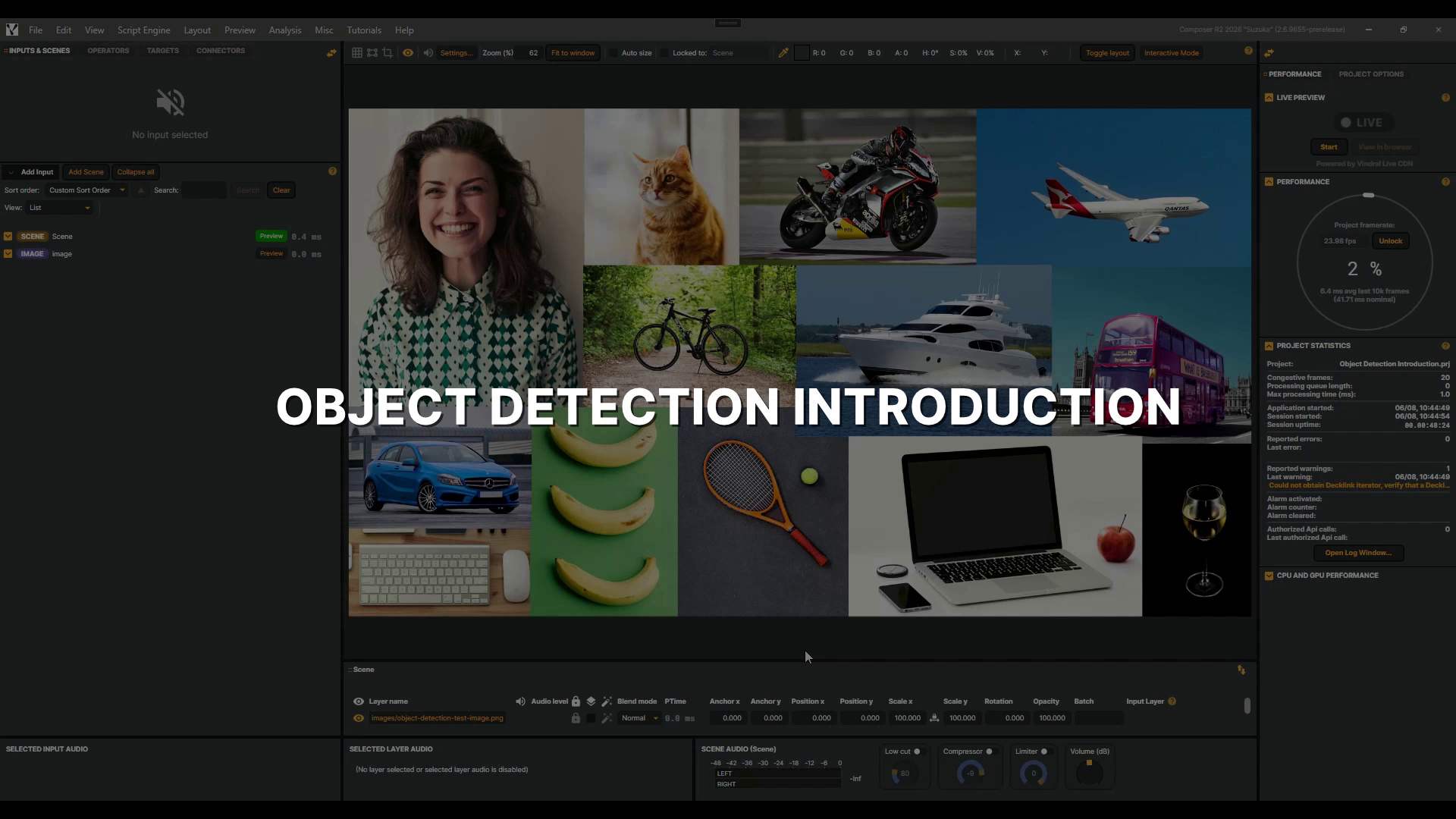 |
Object Detection operator | In this introduction, you'll add an Object Detection operator, load a YOLO model, and explore its visualization and confidence controls. Note that it requires the NVIDIA CUDA Toolkit and cuDNN — see the documentation to set it up. Let's get started! 4 min 37 sec |
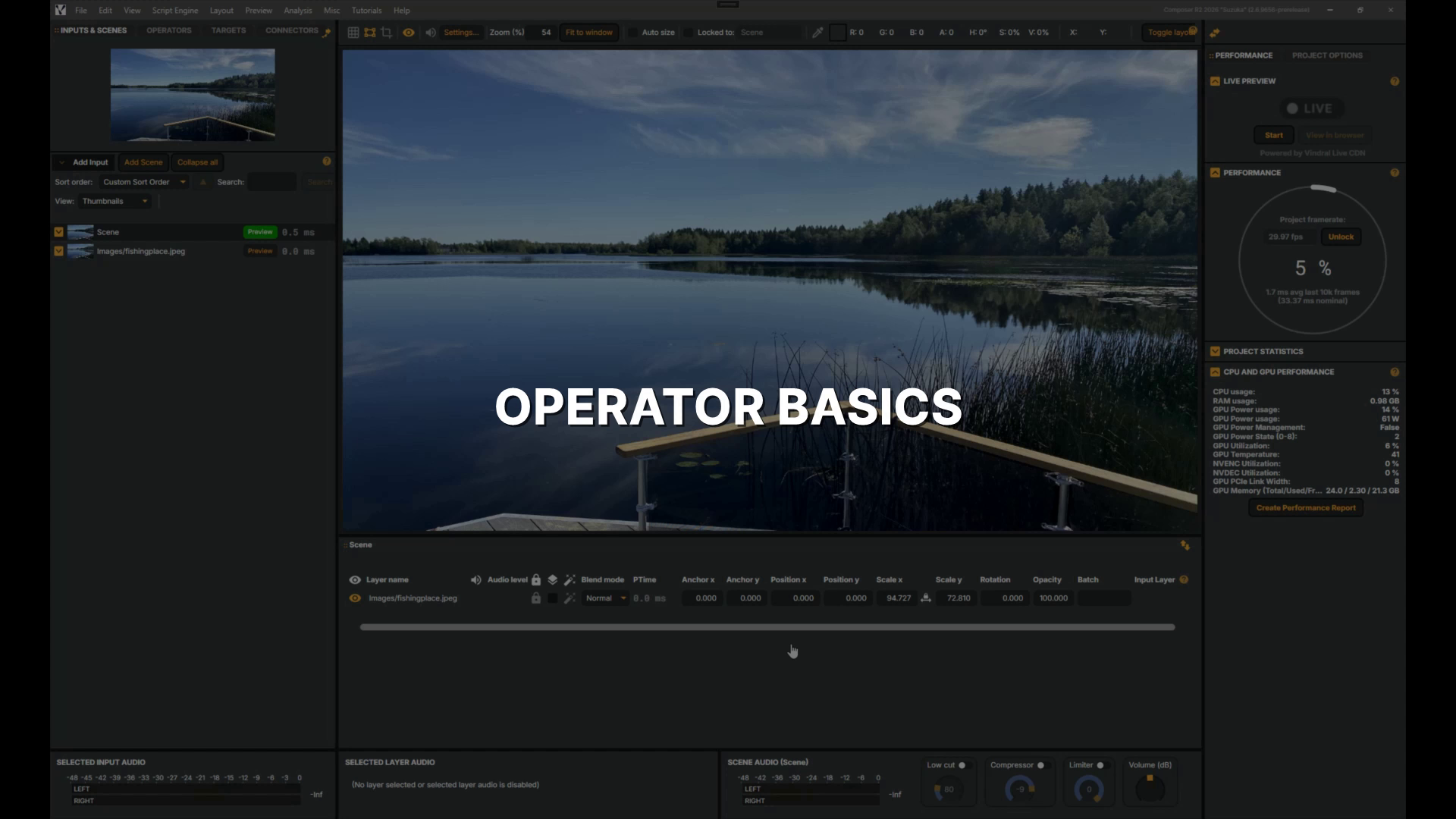 |
Operator basics | In this tutorial, you'll learn how operators work in Composer — adding a Gaussian Blur and a Color Adjust operator to a layer, adjusting their settings, working with presets, and toggling them on and off. 3 min 52 sec |
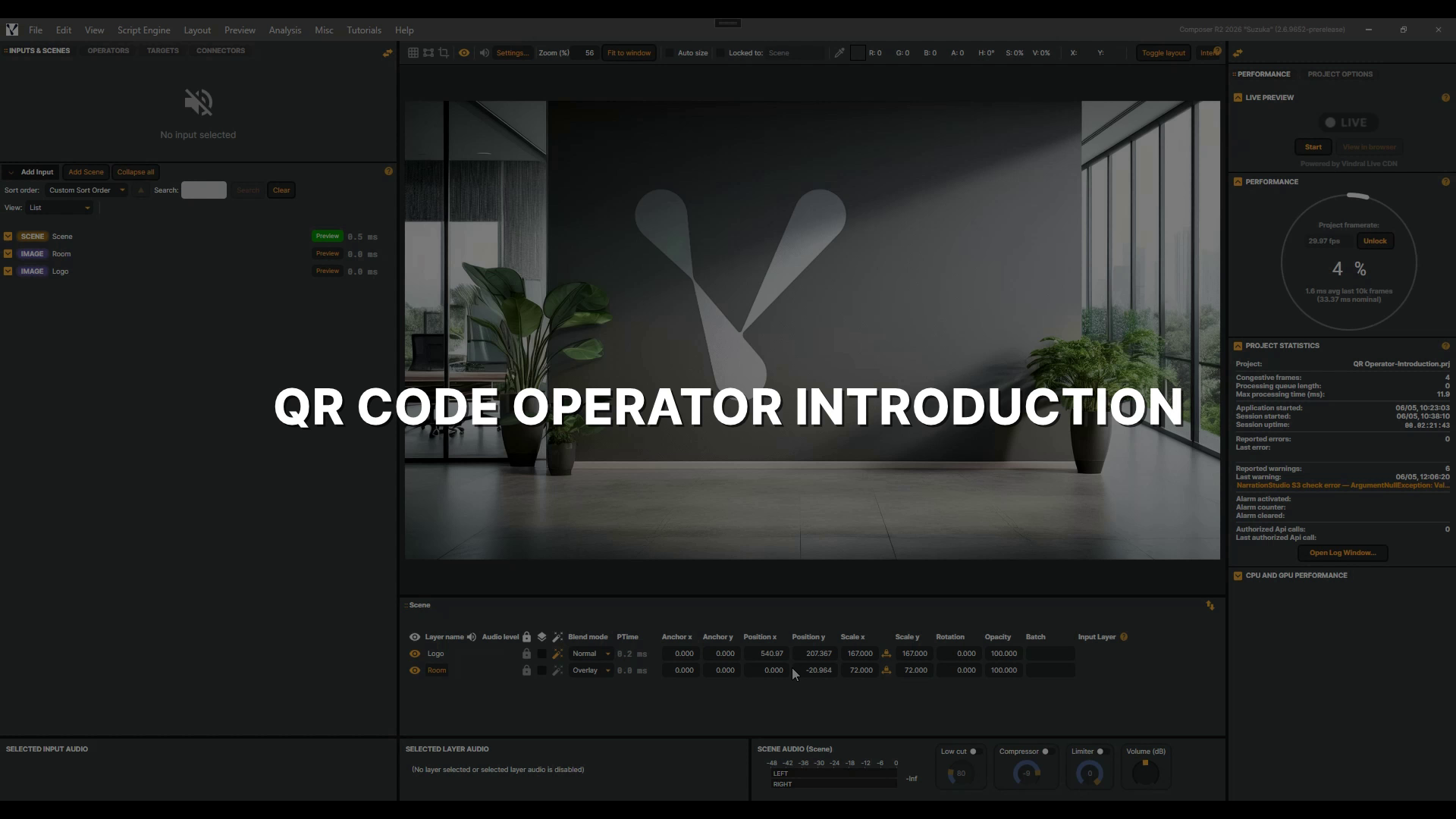 |
QR Code Operator | In this tutorial, you'll learn how to add the QR Code operator to your broadcast layer, set its payload, size and position it on screen, and reveal or hide it on cue — turning any live show into an instant gateway to links, offers, or updates. 2 min 35 sec |