

Inputs
The 4 how-to videos in the Inputs series.
| Video | About | |
|---|---|---|
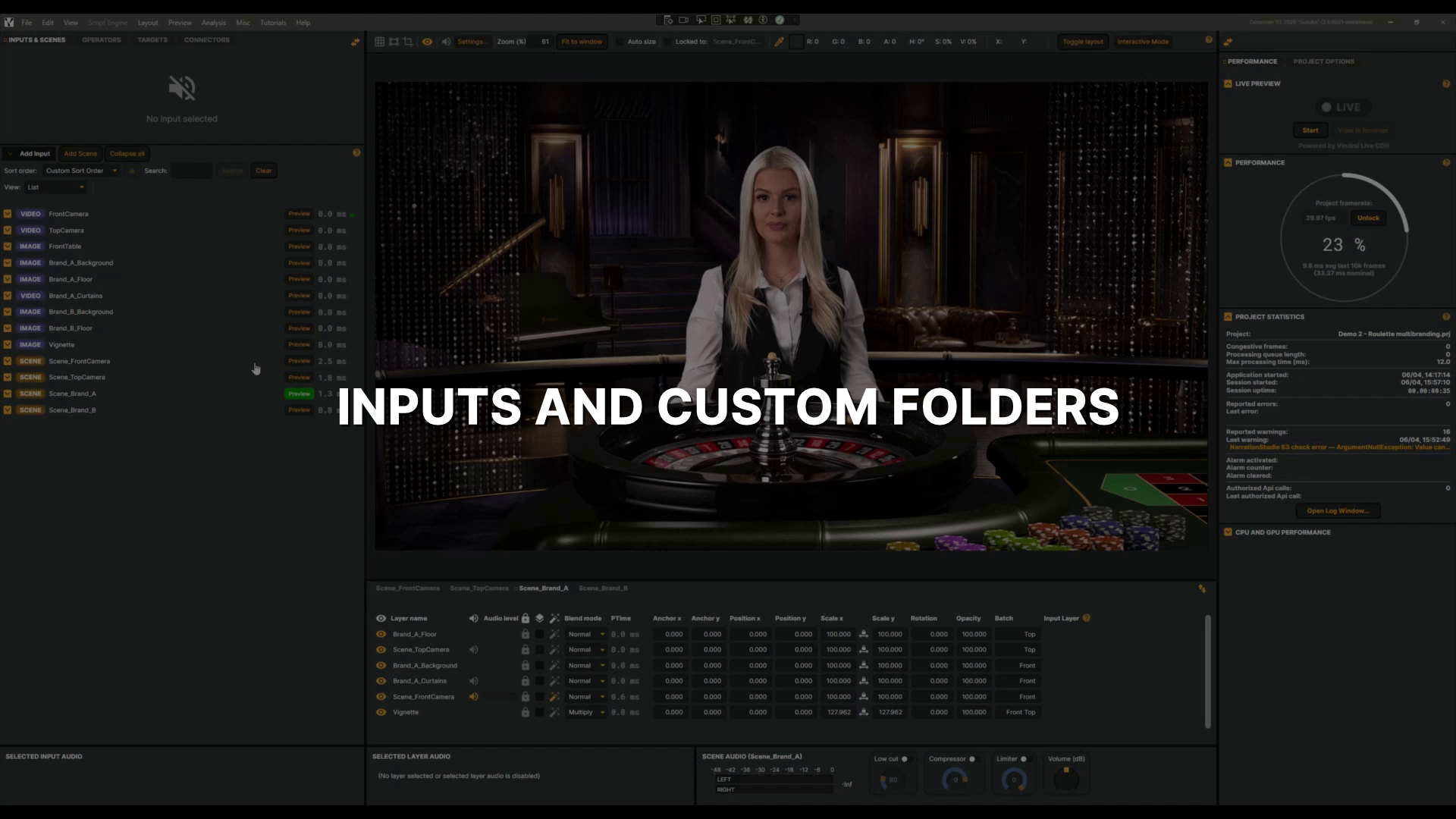 |
Inputs and custom folders introduction | In this tutorial, you'll learn how to organise your inputs using custom folders — grouping cameras, images, and scenes to keep your input list tidy and easy to navigate. 1 min 32 sec |
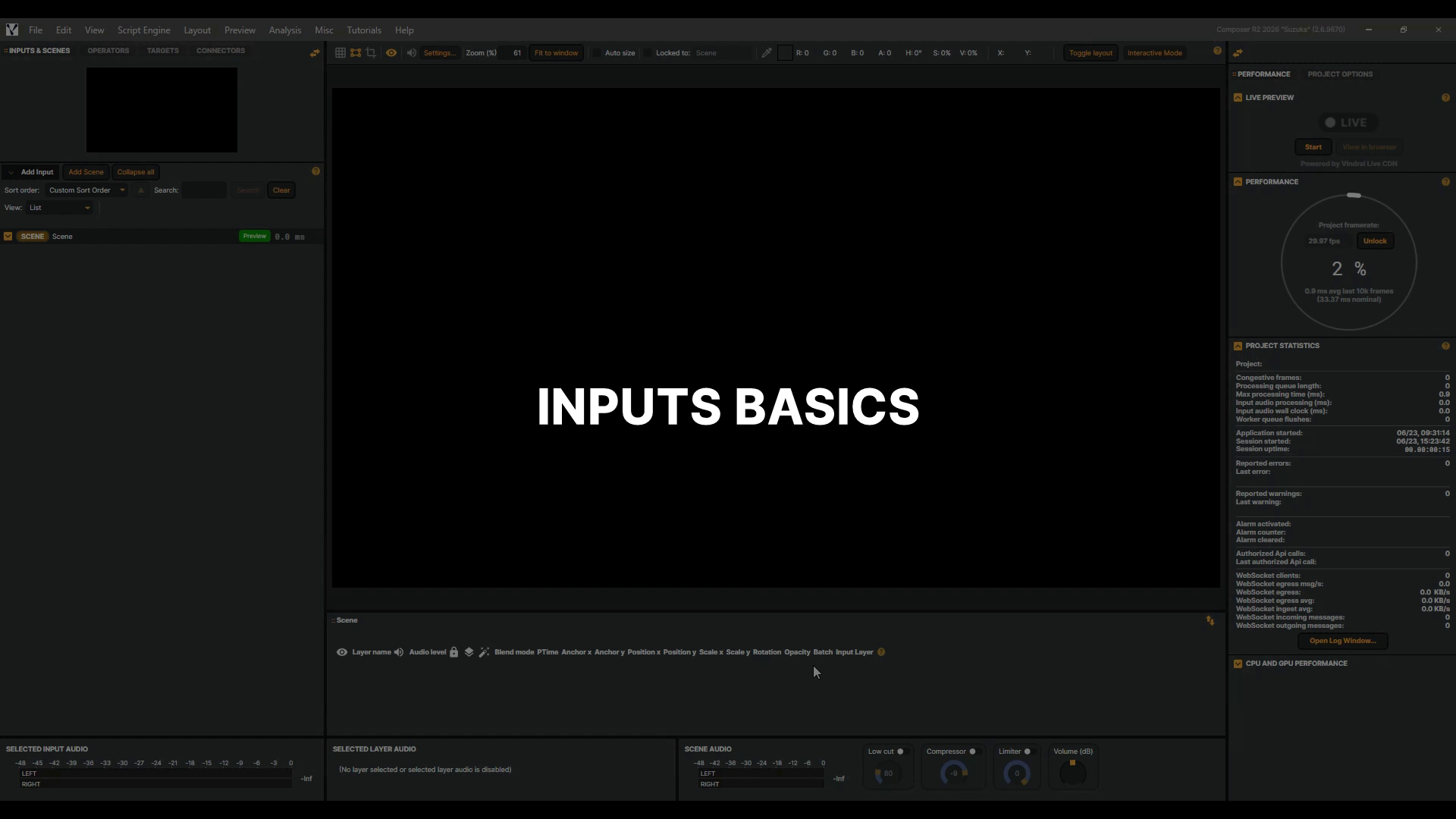 |
Inputs basics | Every project starts with an input. It's where your video and audio come from — and in Composer, almost anything can be a source. A camera across the studio, a live stream from the other side of the world, a clip from your drive, a piece of music, even text and graphics you type in on the spot. Each one is a little different, but they all follow the same simple idea: you pick an input and give it a source. You'll see exactly how, by adding two to your scene — a Video File Input playing a clip and a Text input putting words on screen. It's the perfect place to start building your own projects. For the complete list of inputs and more detail, check the documentation. 6 min 36 sec |
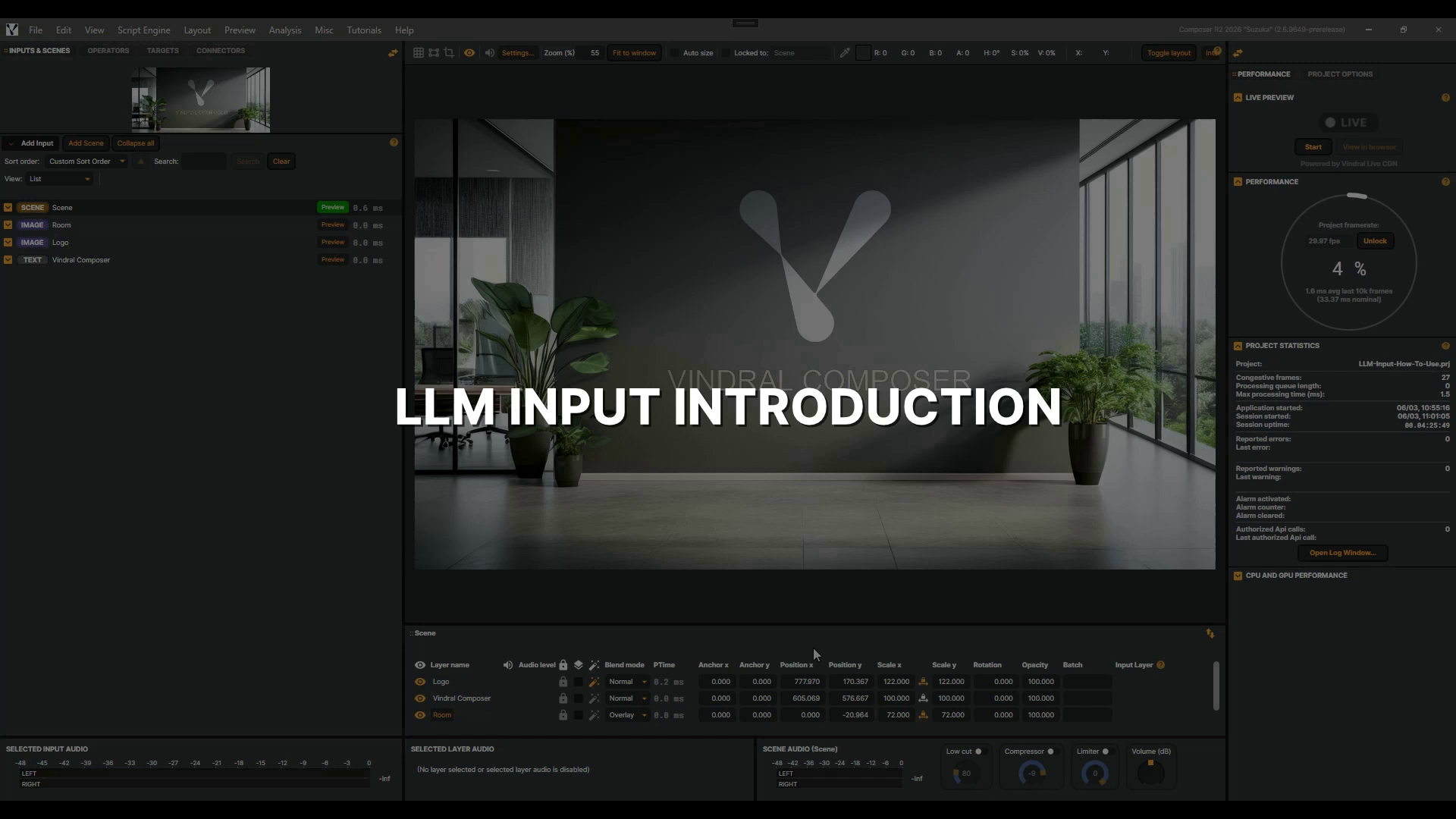 |
LLM Input | In this tutorial you'll connect Composer's LLM Input to a local Ollama server, send prompts, and use the System Prompt to shape the model into an announcer, ticker writer, or broadcast translator. 5 min 36 sec |
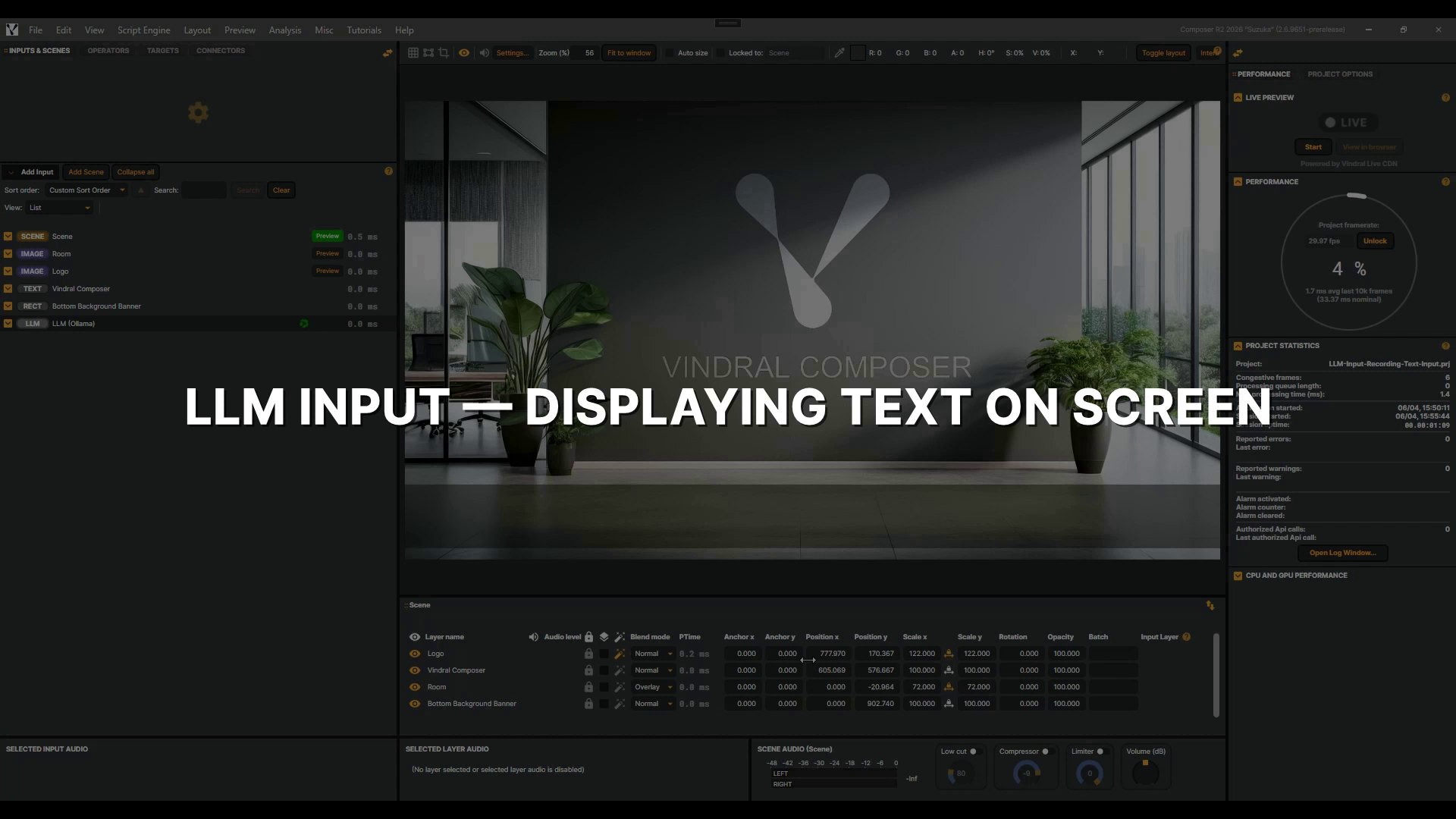 |
LLM Input - Displaying Text On Screen | Building on the LLM Input Introduction tutorial — watch that first if you haven't — you'll learn how to display an LLM Input's live responses on screen using a Text input bound to its Last Response. 2 min 59 sec |